Snap a Photo, Skip the Typing: Capturing Your Home's Details with Your Camera
Here’s the real reason most home inventories never get finished: the data entry. The idea of cataloging every appliance, system, and paint color sounds great right up until you’re standing in front of the water heater, squinting at a tiny label, typing a 20-character model number into your phone one thumb-press at a time. Multiply that by every appliance, every piece of equipment, every room’s paint — and most people quit after the third entry.
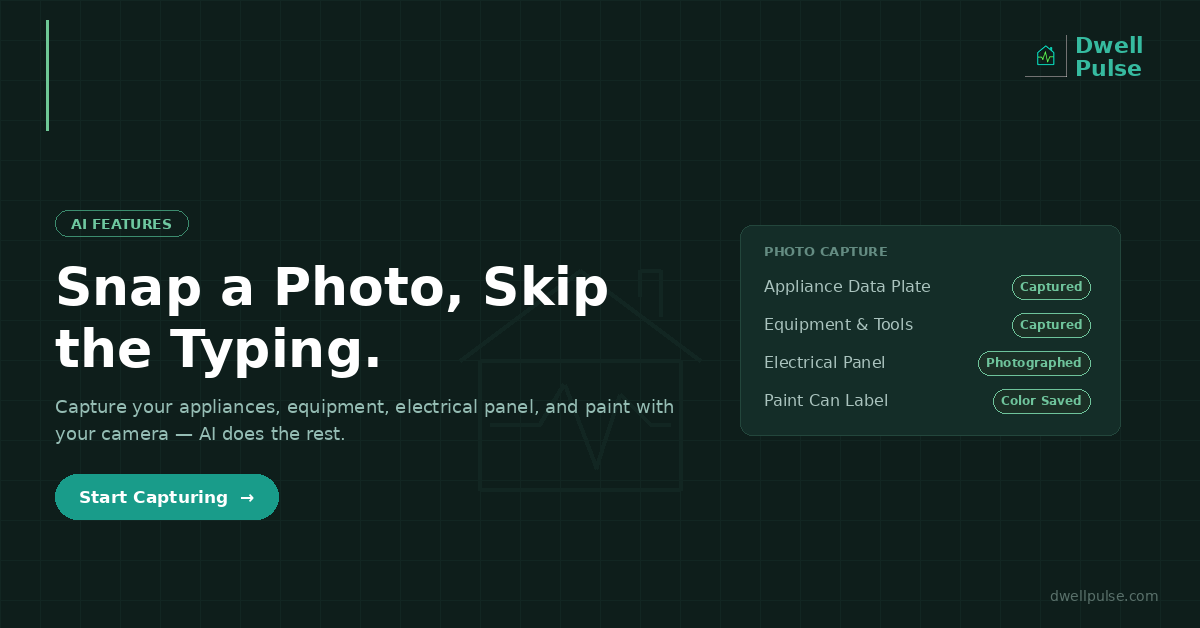
The fix is to stop typing and start photographing. Your phone’s camera is the fastest data-capture tool you own, and paired with AI, a quick snapshot can carry most of the weight that used to require tedious manual entry. Here’s how to use it across the four areas where photos matter most.
Appliances: Photograph the Data Plate
Every major appliance has a data plate — a metal or sticker label, usually on the back, side, or inside the door, listing the brand, model number, serial number, and often the manufacture date. This little label is the key to warranty lookups, parts ordering, recall checks, and age verification.
Instead of transcribing it, photograph it. Snap a clear, well-lit picture of the data plate and attach it to the appliance’s record. Now the exact model and serial numbers are captured perfectly — no transcription errors, no squinting — and you can zoom into the photo any time you need to read a number off it.
The manufacture date is often encoded in the serial number, which means that single photo can also help you establish the appliance’s age — the foundation for every maintenance, warranty, and repair-or-replace decision you’ll make about it later. Capture the data plate once, and you never have to crawl behind the appliance again.
Tip: while you’re back there, take a second photo of the whole appliance. It’s useful for insurance documentation and for remembering which unit is which when you have several.
Equipment: Capture Tools, Mowers, and Outdoor Gear
The same approach works for everything in the garage and shed — mowers, generators, pressure washers, chainsaws, snow blowers, trimmers, and vehicles. Each has a model and serial number on a plate or sticker, and each benefits from the same photo-first capture.
This matters more than people expect. Outdoor equipment and power tools are frequent theft and insurance-claim items, and they have their own maintenance needs — oil changes, blade sharpening, winterization. A photo of the unit plus its data plate gives you the model info for ordering the right parts and filters, the serial number for warranty and insurance claims, and a visual record of what you own and its condition.
Electrical Panel: Photograph the Labels
Your electrical panel is one of the most important — and most neglected — things to document. In an emergency, or during any electrical project, you need to know which breaker controls what. Most panels have a directory that’s either blank, filled in with faded pencil, or wrong.
Photograph the inside of your panel door (where the circuit directory usually lives) and the panel itself with the breakers visible. Store it with your property record. Now, when a circuit trips or an electrician asks about your panel, you can pull up a clear image instantly instead of standing in a dark utility closet trying to read smudged handwriting.
If your directory is incomplete, this is also the moment to fix it: map each breaker to the room or circuit it controls, and keep that documentation with the photo. It’s a small task that pays off every time something electrical goes wrong — and it’s exactly the kind of information a buyer or home inspector will want to see.
Safety note: only photograph the panel with the cover door open — never remove the interior cover plate that exposes live wiring. The directory and breaker switches are all visible with just the outer door open.
Paint: Capture Colors Before You Forget Them
Paint is the detail homeowners lose most often, because the information lives on a can that gets thrown away. As we’ve covered before, a successful touch-up needs the brand, product line, color name, color code, and sheen — and a color name alone won’t get you a match.
The fastest way to capture all of it: photograph the paint can label. The label carries the brand, the color name and code, the sheen, and often the exact formula the store used to mix it. One photo attached to the room’s paint record preserves everything you’d need to buy a perfect-match gallon years later — long after the physical can has been tossed or its label has faded in a hot garage.
Do this for every room as you paint it (or work backward through the cans you still have), and the next scuff or ding becomes a five-minute fix instead of a trip to the store with a chip of drywall in a plastic bag.
Where AI Comes In
Capturing the photo is half the value. The other half is what AI can do with the images and context you provide.
DwellPulse uses AI throughout the app to reduce manual work and turn raw information into something useful. Upload a document — a warranty, an inspection report, an appliance manual — and AI can analyze it and surface the key details and suggested actions, so you’re not reading 30 pages to find the one date that matters. Describe a project or snap a photo of a space, and the AI planning tools use that visual context to generate better, more specific recommendations — the app itself notes that uploading images gives the AI better context to work with.
The through-line is that AI works best when you give it real inputs from your actual home. A photo of your space, your document, your appliance is worth more than a generic text description — because the AI is reasoning about your home, not a hypothetical one. The camera is how you feed it that reality quickly.
And critically, AI-generated suggestions are always yours to review before anything is saved. The AI does the tedious first pass — reading, extracting, suggesting — and you confirm. You get the speed of automation with the accuracy of human review.
The Payoff: A Complete Record, Built in Minutes
The whole point of photo-first capture is that it removes the friction that stops people from documenting their homes at all. A complete home record — every appliance, every piece of equipment, the electrical panel, every paint color — sounds like a weekend of tedious data entry. With your camera, it’s a walk through the house snapping labels, done in an afternoon.
And that record is the foundation everything else builds on: warranty claims you can actually win, maintenance reminders tied to real systems, repair-or-replace decisions backed by real ages, cost forecasts built on real data, and a documented history that becomes a genuine asset when you sell. It all starts with a photo instead of a keyboard.
How DwellPulse Helps
DwellPulse is built for capture-by-camera. Add appliances, equipment, and paint colors with photos attached — of the data plate, the unit, the paint can label — so the exact model numbers, serial numbers, and color codes are preserved perfectly without transcription. Store a photo of your electrical panel and its directory with your property record for the moment you need it. Upload documents and let AI analyze them to surface the details and actions that matter. Give the AI planning tools real visual context to get recommendations tailored to your actual home. The camera in your pocket is the fastest way to build a complete home record — and DwellPulse turns those photos into a system that works for you.
* This article was written with the assistance of AI tools. All content is reviewed and edited by Josh Standeven.
Ready to take control of your home?
DwellPulse is free to start — track maintenance, projects, appliances, and your garden all in one place.
Start Free Today →